
↗
iOS
App StoreAndroid
Android1. 政策概述
本隱私權政策適用於 AirShare 的 iOS 與 Android App。AirShare 讓手機與同一個區域網路上的電腦直接傳輸照片與影片。AirShare 不要求建立帳號,也不使用廣告、分析追蹤、遠端當機回報、開發者營運的雲端儲存或中繼伺服器。
2. AirShare 存取的資訊
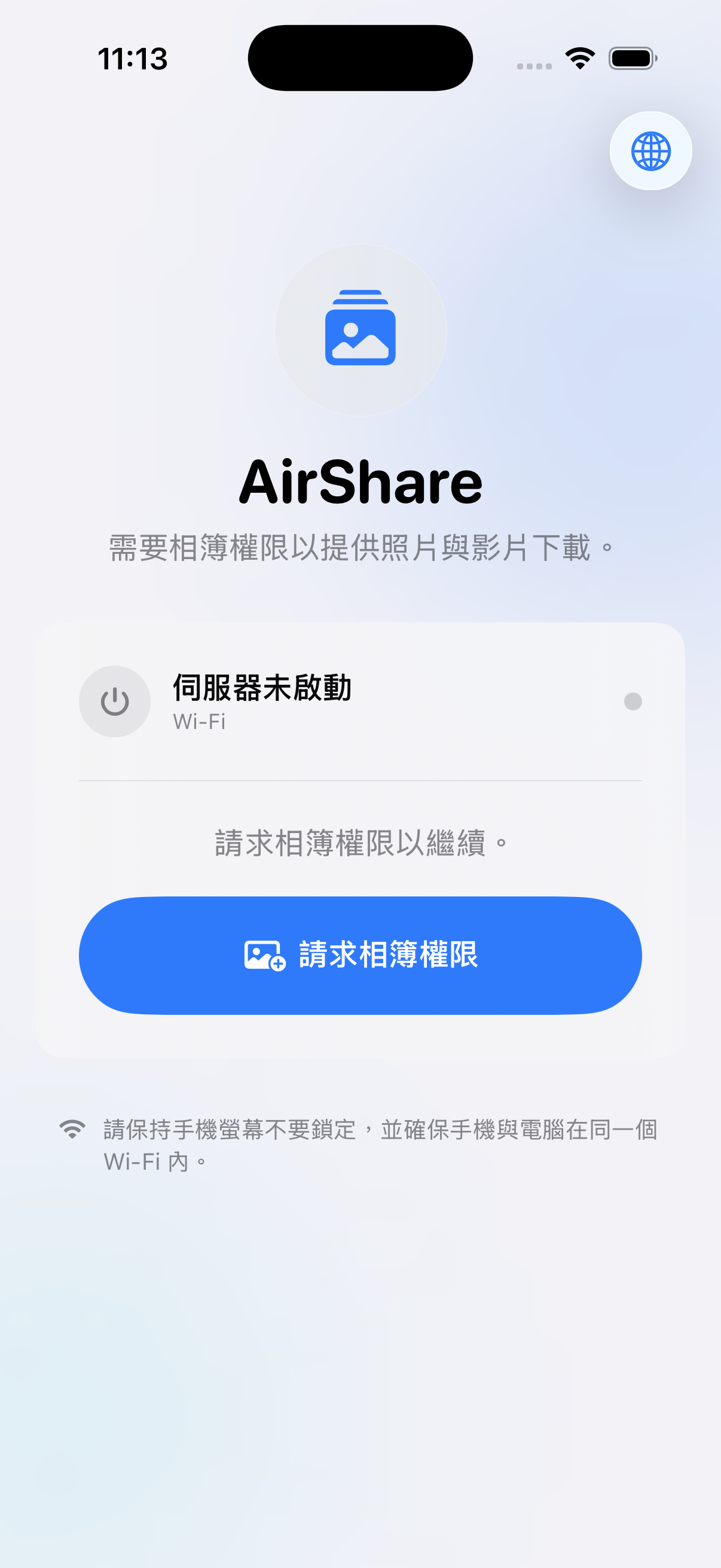
照片與影片:經你授權後,AirShare 會讀取作業系統允許 App 存取的照片與影片,用於顯示媒體清單、建立縮圖,以及在分享期間提供下載。除非持有有效連線資訊的人主動下載,否則媒體會留在手機上。
區域網路資訊:AirShare 會在裝置上處理 Wi‑Fi 連線狀態、本機 IP 位址及連線錯誤,以建立分享服務並顯示電腦可使用的網址。這些資訊不會傳送給開發者。
分享工作階段:Android 版本會建立隨機的臨時權杖與憑證資訊,用於授權區網瀏覽器連線;停止分享後權杖即失效。iOS 版本會在同一個區域網路提供本機網址,目前不使用 Android 的臨時權杖機制。
App 偏好設定:語言等偏好可能儲存在你的裝置上。AirShare 不會把這些設定傳送給開發者。
3. 資訊使用方式
上述資訊只用於顯示你允許存取的媒體、建立本機分享服務、顯示縮圖、傳送你選擇下載的原始檔案,以及顯示連線或錯誤狀態。AirShare 不會將資訊用於廣告、使用者分析、建立個人檔案、出售資料或跨 App 追蹤。
4. 傳輸與分享對象
傳輸由使用者主動開始,並在手機與同一區域網路上的瀏覽器之間直接進行。Android 版本使用本機 HTTPS、臨時憑證與工作階段權杖;iOS 版本目前使用同一 Wi‑Fi 上的本機 HTTP 連線。開發者不會接收或儲存傳輸的照片、影片、縮圖或工作階段資料。
任何能連上相同網路並取得有效網址、QR Code 或工作階段連結的人,都可能存取分享內容。請只在信任的網路使用 AirShare,不要把連線資訊提供給非預期對象,並在完成後立即停止分享。檔案下載到其他裝置後,該副本將由接收裝置及其使用者控制。
5. 保存與刪除
AirShare 沒有帳號系統或開發者營運的資料庫,因此開發者不保存帳號資料、媒體、傳輸紀錄或工作階段權杖。Android 臨時權杖會在分享停止後失效。本機偏好設定會保留到你清除 App 資料或解除安裝為止。下載到電腦的檔案可使用該電腦的一般檔案管理工具刪除。
6. 權限與你的選擇
你可以允許完整相簿、只允許部分媒體、拒絕權限,或稍後在 iOS/Android 系統設定中變更權限。限制權限後,AirShare 只會顯示作業系統允許的內容。你也可以隨時停止分享,結束區域網路連線。
7. 安全措施
AirShare 將媒體限制在本機分享流程中。Android 使用本機 HTTPS、臨時憑證與隨機工作階段權杖;iOS 分享網址只應在信任的區域網路上使用。任何電子傳輸都無法保證絕對安全,因此請保護連線資訊並在傳輸完成後停止分享。
8. 兒童隱私
AirShare 是一般用途工具,不以 13 歲以下兒童為主要對象,也不會在開發者系統上蓄意收集兒童或其他使用者的個人資料。
9. 政策變更
如果 AirShare 的功能或資料處理方式改變,本政策可能更新。更新版本會顯示新的生效日期;如適用法律或商店政策要求,重大變更會另行通知。
10. 聯絡方式
如有隱私權或資料處理問題,請透過 AirShare 在 App Store 或 Google Play 商店頁面所列的開發者聯絡方式與我們聯繫。
生效日期:2026 年 7 月 12 日。政策名稱:AirShare App 隱私權政策。
1. Overview
This Privacy Policy applies to the AirShare app for iOS and Android. AirShare lets a phone transfer photos and videos directly to a computer on the same local network. AirShare requires no account and uses no advertising, analytics, cross-app tracking, remote crash reporting, developer-operated cloud storage, or relay server.
2. Information AirShare accesses
Photos and videos: With your permission, AirShare reads the photos and videos the operating system allows the app to access. This is used to show the media library, create thumbnails, and make selected media available during a sharing session. Media remains on the phone unless someone with valid connection information actively downloads it.
Local-network information: AirShare processes Wi‑Fi status, local IP addresses, and connection errors on the device to run the sharing service and display the address a computer can use. This information is not sent to the developer.
Sharing-session information: Android creates a random temporary token and certificate information to authorize a local browser. The token expires when sharing stops. iOS provides a local-network address and currently does not use Android's temporary-token mechanism.
App preferences: Preferences such as language may be stored on your device. AirShare does not send these preferences to the developer.
3. How information is used
The information above is used only to show authorized media, operate the local sharing service, display thumbnails, deliver originals you choose to download, and show connection or error status. AirShare does not use information for advertising, analytics, profiling, sale, or cross-app tracking.
4. Transfers and recipients
Transfers are initiated by the user and occur directly between the phone and a browser on the same local network. Android uses local HTTPS, a temporary certificate, and a session token. iOS currently uses a local HTTP connection on the same Wi‑Fi network. The developer does not receive or store transferred photos, videos, thumbnails, or session data.
Anyone on the same network who obtains a valid address, QR code, or session link may be able to access the shared content. Use AirShare only on a trusted network, share connection information only with the intended recipient, and stop sharing when finished. A downloaded copy is controlled by the receiving device and its user.
5. Retention and deletion
AirShare has no account system or developer-operated database, so the developer retains no account data, media, transfer history, or session token. Android's temporary token becomes invalid when sharing stops. Local preferences remain until you clear app data or uninstall the app. Files downloaded to a computer can be deleted with that computer's normal file-management tools.
6. Permissions and your choices
You may grant full-library access, grant access to selected media, deny access, or change access later in iOS or Android Settings. When access is limited, AirShare shows only the media the operating system permits. You can stop the local-network connection at any time by ending the sharing session.
7. Security
AirShare keeps media within the local sharing workflow. Android uses local HTTPS, a temporary certificate, and a random session token. The iOS sharing address should be used only on a trusted local network. No electronic transmission can be guaranteed completely secure, so protect connection information and stop sharing promptly.
8. Children's privacy
AirShare is a general-purpose utility and is not directed to children under 13. It does not knowingly collect personal information from children or any other user on developer-operated systems.
9. Changes to this policy
This policy may be updated if AirShare's features or data practices change. The updated version will show a new effective date, and material changes will be disclosed when required by law or store policy.
10. Contact
For privacy or data-handling questions, contact us through the developer contact information listed for AirShare on the App Store or Google Play store page.
Effective date: July 12, 2026. Policy name: AirShare App Privacy Policy.
1. 概要
本プライバシーポリシーは、iOS版およびAndroid版のAirShareに適用されます。AirShareは、同じローカルネットワーク上でスマートフォンからパソコンへ写真や動画を直接転送します。アカウント登録は不要で、広告、分析、アプリ間トラッキング、リモートクラッシュレポート、開発者運営のクラウドストレージや中継サーバーは使用しません。
2. AirShareがアクセスする情報
写真と動画:ユーザーの許可を得たうえで、OSがAirShareに許可した写真や動画を読み取ります。このアクセスは、メディア一覧とサムネイルの表示、共有中のダウンロード提供にのみ使用されます。有効な接続情報を持つ人がダウンロードしない限り、メディアはスマートフォン上に残ります。
ローカルネットワーク情報:共有サービスを実行し、パソコンで開くアドレスを表示するため、Wi‑Fiの接続状態、ローカルIPアドレス、接続エラーを端末上で処理します。これらの情報は開発者へ送信されません。
共有セッション情報:Android版は、ローカルブラウザを認証するためにランダムな一時トークンと証明書情報を作成します。トークンは共有停止時に無効になります。iOS版はローカルネットワークのアドレスを提供し、現在Android版の一時トークン方式は使用していません。
アプリ設定:言語などの設定が端末内に保存される場合があります。AirShareはこれらの設定を開発者へ送信しません。
3. 情報の利用目的
上記の情報は、許可されたメディアの表示、ローカル共有サービスの実行、サムネイルの表示、選択された元ファイルの配信、接続・エラー状態の表示にのみ使用されます。広告、分析、プロファイリング、販売、アプリ間トラッキングには使用しません。
4. 転送と受信者
転送はユーザーが開始し、スマートフォンと同じローカルネットワーク上のブラウザとの間で直接行われます。Android版はローカルHTTPS、一時証明書、セッショントークンを使用します。iOS版は現在、同じWi‑Fi上のローカルHTTP接続を使用します。開発者が写真、動画、サムネイル、セッション情報を受信または保存することはありません。
同じネットワークに接続し、有効なアドレス、QRコード、またはセッションリンクを取得した人は、共有内容にアクセスできる場合があります。信頼できるネットワークでのみ使用し、接続情報を意図した相手以外に共有せず、完了後は共有を停止してください。ダウンロード後のコピーは、受信端末とそのユーザーが管理します。
5. 保存と削除
AirShareにはアカウントシステムや開発者運営のデータベースがないため、開発者はアカウント情報、メディア、転送履歴、セッショントークンを保存しません。Androidの一時トークンは共有停止時に無効になります。端末内の設定は、アプリデータを消去するかアンインストールするまで残ります。パソコンに保存したファイルは、通常のファイル管理機能で削除できます。
6. 権限と選択
ライブラリ全体、一部のメディアのみを許可する、アクセスを拒否する、またはiOS/Androidの設定から後で変更できます。アクセスを制限した場合、AirShareはOSが許可したメディアのみを表示します。共有を停止すれば、ローカルネットワーク接続をいつでも終了できます。
7. セキュリティ
AirShareはメディアをローカル共有の範囲内で処理します。Android版はローカルHTTPS、一時証明書、ランダムなセッショントークンを使用します。iOS版の共有アドレスは、信頼できるローカルネットワークでのみ使用してください。電子的な転送の絶対的な安全性は保証できないため、接続情報を保護し、完了後は速やかに共有を停止してください。
8. 子どものプライバシー
AirShareは一般用途のツールであり、13歳未満の子どもを対象としていません。開発者が運営するシステム上で、子どもまたはその他のユーザーの個人情報を意図的に収集することはありません。
9. ポリシーの変更
AirShareの機能またはデータ取扱いが変更された場合、本ポリシーを更新することがあります。更新版には新しい発効日を表示し、法令またはストアポリシーで必要な場合は重要な変更を通知します。
10. お問い合わせ
プライバシーまたはデータ取扱いに関するお問い合わせは、App StoreまたはGoogle PlayのAirShareストアページに記載されている開発者連絡先をご利用ください。
発効日:2026年7月12日。ポリシー名:AirShareアプリプライバシーポリシー。